
Feed overview

Vlad
Last Update 1年前

Stats
When you first log in to the app, default stats are displayed. The feed includes 10 stats boxes that you can customize—check the Feed section for more details.
After creating multiple feeds, you can switch between them from this page with just one click.
Stats are based on home games for the local team and away games for the visitor. By default, stats are calculated from the last 5 games and ordered by country name (A–Z). The default game time zone is UTC+1.
You see only not started and live games by default. To include finished games, use the Filters section.
All default settings can be changed by clicking the black cogs icon at the top.

The middle line shows the average between home and away stats. For example, if the home team has 80% and the away team has 100%, the average is 90%.
Green boxes represent values ≥ 75%. Red boxes represent values ≤ 25%.
Click the ? icon at the top left of the header to see what each stat means.
You can view games for today and the next 4 days. Use the blue calendar button to go back to past dates and see stats and results.
Lineups / Referees
If the game hasn't started and lineup or referee data is available, specific icons will appear.

Odds
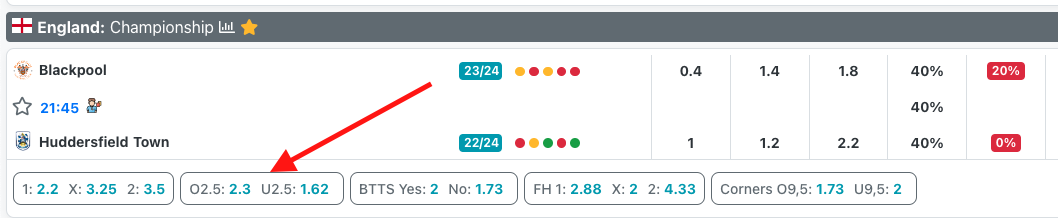
Each game displays pre-match or live odds, depending on what data is available.
Live stats
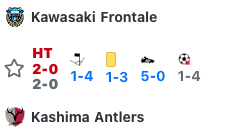
For live games, the middle line shows minute, score, corners, cards, shots on target, and shots off target.
Live stats update automatically in the background—no need to refresh the page.
Live - Pressure index view
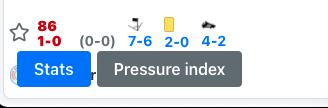
On the live page, you can switch between the stats view and the pressure index view using the buttons at the bottom left of the screen.
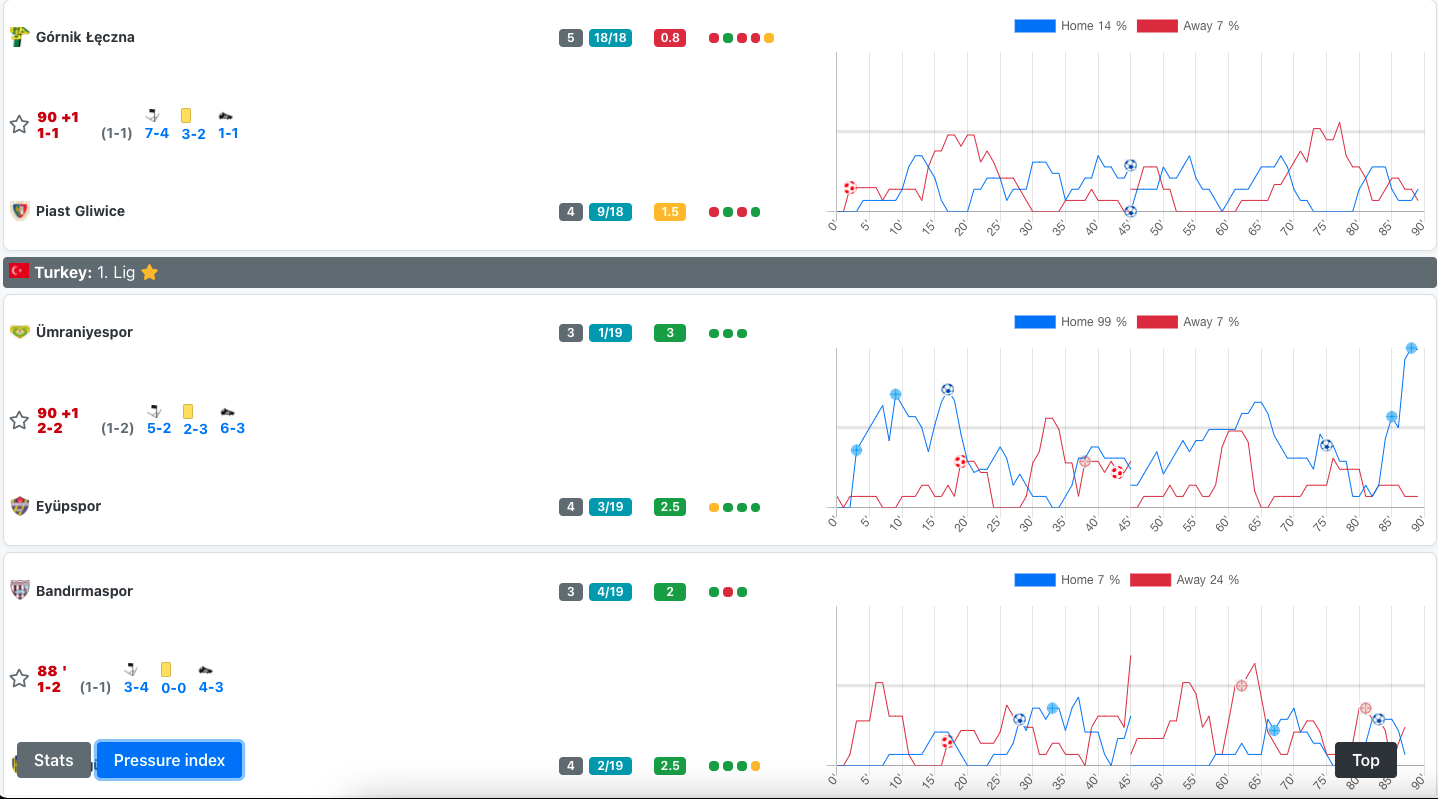
On the pressure index view you can view pressure index graph for each game on the same page instead of clicking on every game to see pressure index chart on game page.
Download games
After applying a filter, you can download the filtered games as a .xlsx file. This file includes all match details: start time, league, teams, live stats, and pre-game stats from your selected feed. You can change the feed and re-download the file to get different pre-game stats.
Use the green Download button at the top of the feed, next to the Filters/Alerts button.
